Installation
Installation options
Official stable releases (https://www.oofem.org/en/download)
Usually a 12 month release cycle
Binary packages for Windows (AMD64 version only) and Linux (x86_64 version, Debian package)
Source package (requires compilation)
Development version
Manual installation from the OOFEM GitHub repository (https://github.com/oofem/oofem.git). The default branch is
devel.
Python wheel, if you only intend to use OOFEM from Python
$ pip install oofem
In the examples below, X.Y stands for the release version (3.0 at the time
of writing); substitute the version of the package you actually downloaded.
Binary package installation - Windows
Extract the downloaded zip archive (
oofem_X.Y_AMD64.zip) into any directoryThe extraction should create an
oofem_X.Y_AMD64directoryModify the
PATHvariable to include theoofem_X.Y_AMD64\libdirectoryset PATH=C:\Users\user\Documents\oofem_3.0_AMD64\lib;%PATH%
Test run
C:\Users\user\Documents\oofem_3.0_AMD64\bin\oofem -v
which prints the version, the configured modules and the exact commit the binary was built from:
OOFEM version 3.0 (AMD64-Windows, fm tm sm sm_elements sm_materials mpm IML++)
Git RepoURL: https://github.com/oofem/oofem.git
    Branch: devel, Hash: v3.0

Copyright (C) 1994-2025 Borek Patzak
This is free software; see the source for copying conditions.  There is NO
warranty; not even for MERCHANTABILITY or FITNESS FOR A PARTICULAR PURPOSE.
Binary installation - Unix/Linux
You can either choose the generic Linux binary or the Debian package.
Linux - binary
Extract the downloaded archive (
oofem_X.Y_x86_64.tar.gz)$ tar xzvf oofem_3.0_x86_64.tar.gz
This creates the
oofem_X.Y_x86_64/binandoofem_X.Y_x86_64/libdirectoriesTell the dynamic linker where to find the shared libraries
$ export LD_LIBRARY_PATH=../lib:$LD_LIBRARY_PATH
Run oofem
$ cd bin; ./oofem -v
Linux - Debian package
$ sudo apt install ./oofem_3.0_x86_64.deb
(apt needs the leading ./ to recognize the argument as a local file
rather than a package name; sudo dpkg -i oofem_3.0_x86_64.deb works too but
does not pull in dependencies.)
Installation from source
Requirements
A C++ compiler with C++17 support (g++, clang++, Visual Studio, MinGW)
CMake 3.15 or newer (https://cmake.org/)
CMake controls the software compilation process using a platform independent
configuration and generates native makefiles or projects. To generate the
platform makefile or project configuration, use cmake (or any of the user
friendly GUIs based on it, such as ccmake or cmake-gui).
Everything else is optional: the default configuration builds the sm,
tm, fm and mpm modules together with the built-in solvers and
IML++, and needs no external library beyond a compiler and CMake.
Installation from source - Linux
In the following, we assume the sources are in /home/user/oofem.src and the
build directory is /home/user/oofem.build. Keep the two separate: an
out-of-source build leaves the sources untouched and lets you keep several
differently configured builds of the same checkout side by side.
$ git clone https://github.com/oofem/oofem.git /home/user/oofem.src
$ mkdir -p /home/user/oofem.build
$ cd /home/user/oofem.build
$ ccmake /home/user/oofem.src      # or: cmake /home/user/oofem.src
$ make -j
Note
When CMAKE_BUILD_TYPE is not given, CMake configures a Debug build,
which is considerably slower. For production runs configure with
-DCMAKE_BUILD_TYPE=Release.
Configuration options
All options are set either interactively in ccmake/cmake-gui or on the
cmake command line as -DOPTION=ON. The most frequently used ones are:
Option |
Default |
Meaning |
|---|---|---|
|
|
Build type; use |
|
|
Structural mechanics module |
|
|
Heat and mass transfer module |
|
|
Fluid mechanics module |
|
|
Experimental symbolic multiphysics module |
|
|
Lattice module (turns on |
|
|
Additive manufacturing module (turns on |
|
|
XML input format support (requires pugixml) |
|
|
IML++ iterative solvers |
|
|
PETSc solvers; required for distributed memory parallel runs |
|
|
SLEPc eigenvalue solvers (turns on |
|
|
Shared memory parallelism, enables the |
|
|
Distributed memory parallelism, enables the |
|
|
Build the |
|
|
Allow input files to call user code written in Python |
|
|
Build |
|
|
Link VTK, needed for binary (rather than ASCII) VTU export |
For the complete list, including the *_DIR variables used to point CMake at
manually installed third party libraries, inspect the options in ccmake or
read the Options section of the top-level CMakeLists.txt.
Verifying the build
OOFEM comes with an extensive regression test suite driven by CTest. Each test
is an input file carrying the expected results, which are checked by the
errorcheck export module. After building, run the suite from the build
directory:
$ ctest -j4                # run all tests
$ ctest -L sm              # only the structural mechanics tests
$ ctest -R beam2d_1        # only tests matching a name
$ ctest --output-on-failure # show the solver output of failing tests
All tests are expected to pass; a failure usually indicates a misconfigured
third party library. The available labels are sm, tm, fm, tmsm,
tmfm, mpm, benchmark and workflow.
Installation from source - Windows
Requirements:
C++ compiler (Visual Studio, MinGW)
CMake build tools (https://cmake.org/)
Procedure:
Clone the oofem git repository
Use cmake to generate the VS solution
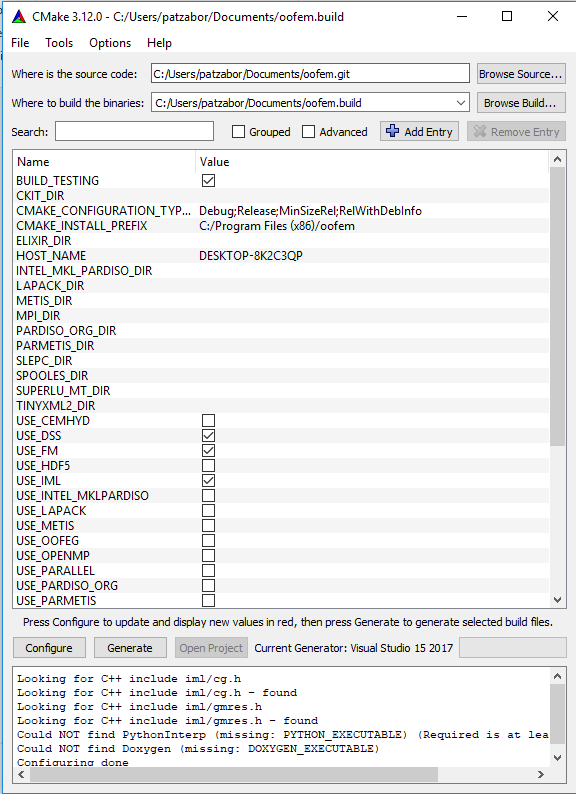
Select the compiler
Set the source directory
Set the build directory
Generate the project/solution
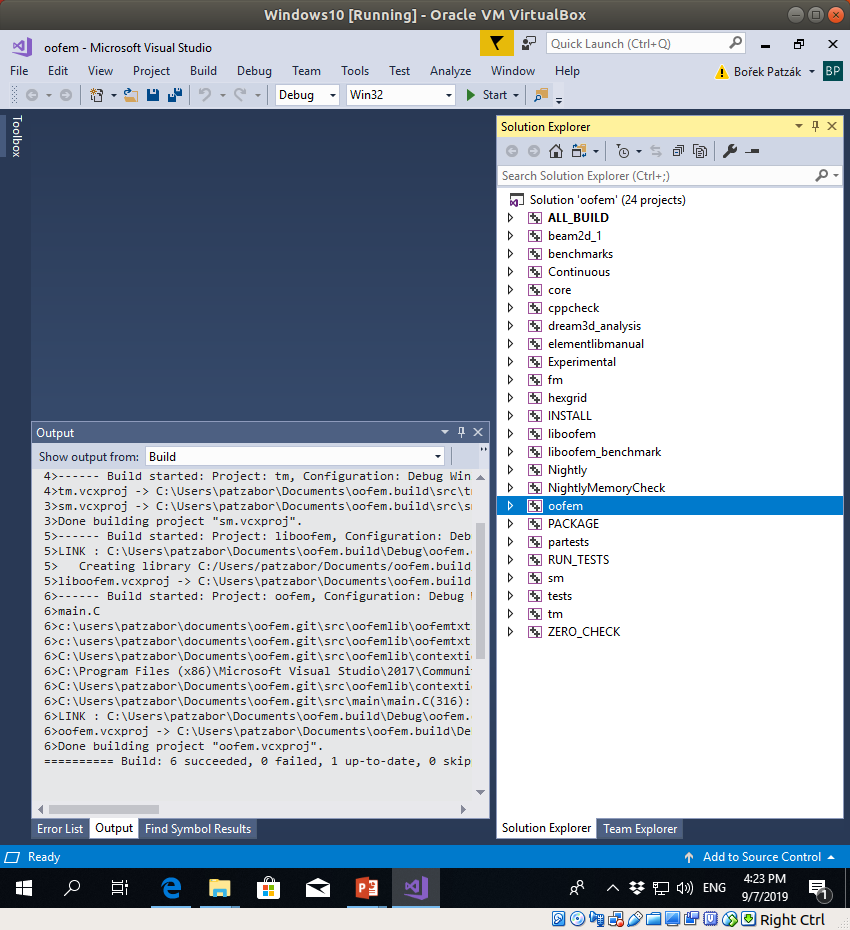
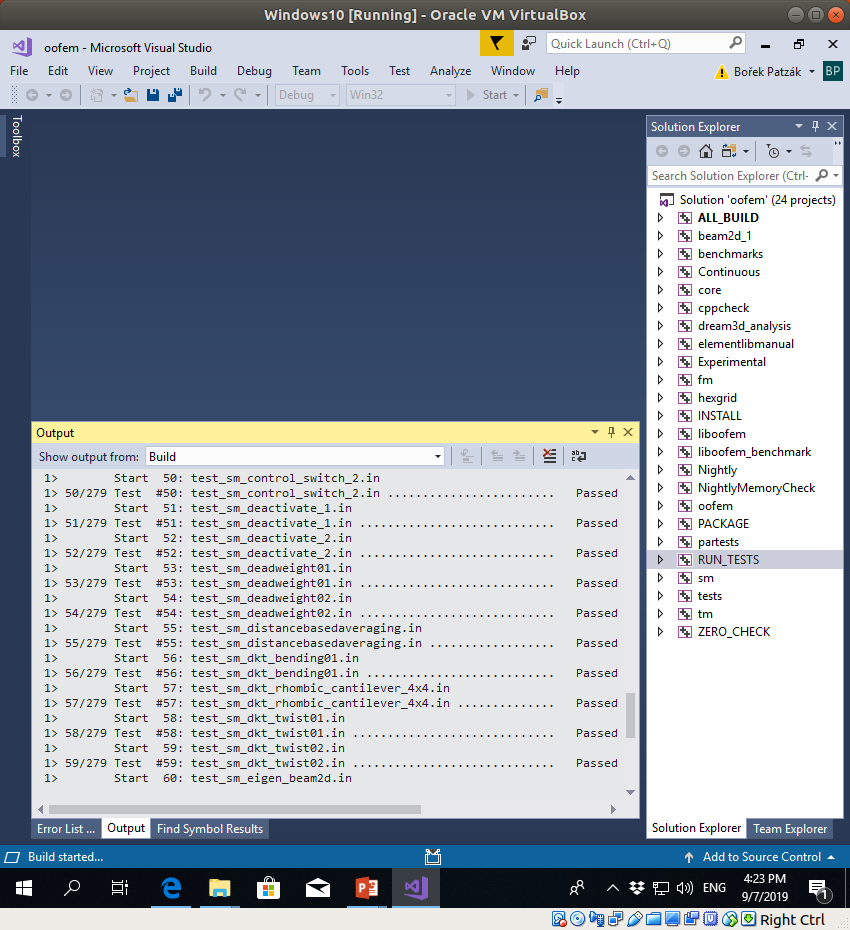
Use the compiler to build the project targets (
oofemandRUN_TESTS)